Configuring - Time Rule
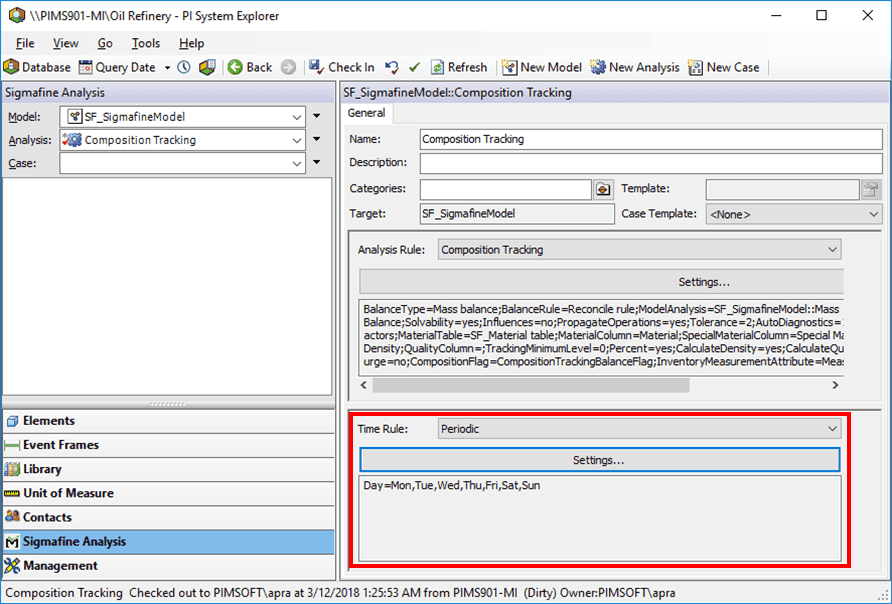
To complete the configuration, specify the time rule:
- Select the Periodic time rule as shown in the following image.
- Composition Tracking should be selected in the Analysis box.
- Periodicshould be selected in the Time Rule box.
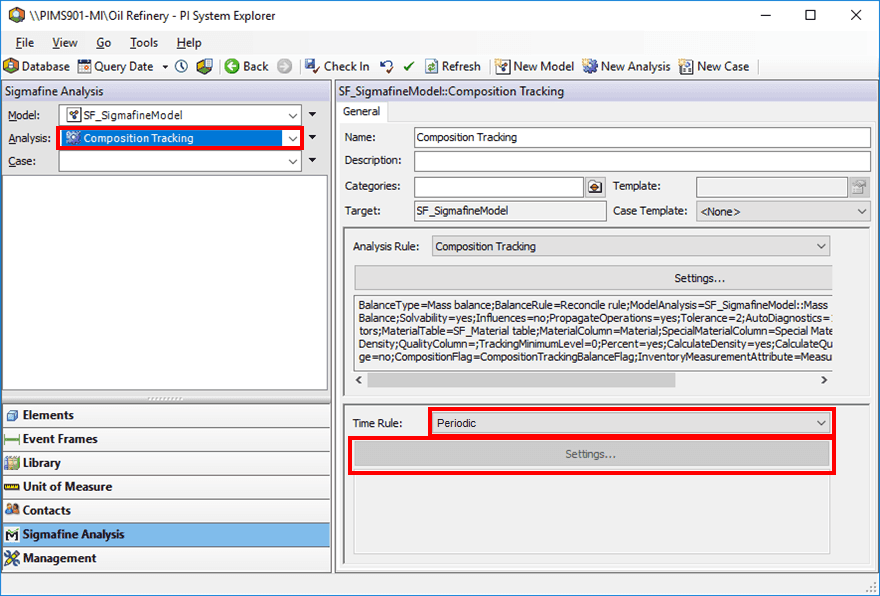
Click the Time Rule Settings button to open the Periodic Time Rule Configuration window.

Note:
Important! The settings for the time rule must match the settings for the time rule of the analysis, which is the source analysis in the Composition Tracking Analysis rule configuration.
For example, if a mass balance analysis is the source analysis, and its periodic time rule creates Cases daily from midnight to midnight, the configuration is as shown in Figure 315.
Click OK to close the Periodic Time Rule Configuration dialog box, completing the configuration.
You are returned to the System Explorer window.